 Journal
Fingerprint scanners solved one problem. GPS attendance solved another. But what happens when the phone itself lies about where it is?
GPS Says You’re at Work.
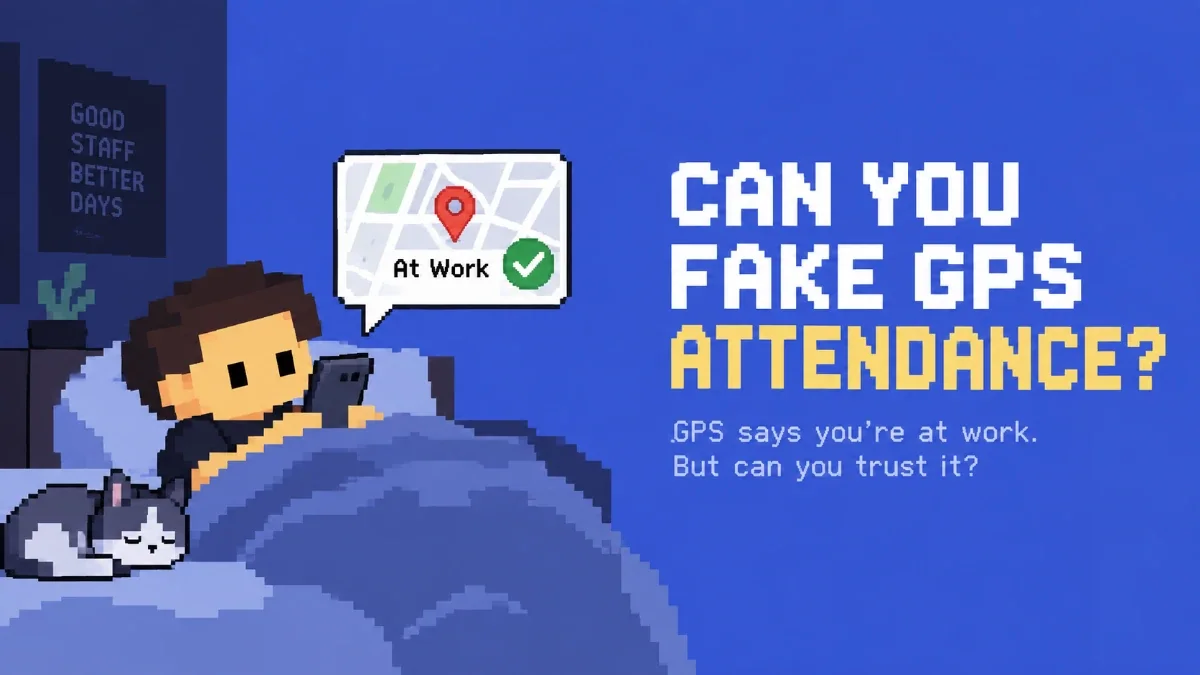
magine this. Your workplace is in Aizawl. One of your staff is at home. They open their attendance system, convince their phone that they are standing inside the workplace, and press Check In. The attendance system asks the phone: “Where are you?” The phone replies: “At work.” And if GPS is the only thing the system checks... That's pretty much the end of the conversation. The staff member is marked present. Even though they might currently be lying in bed.
Wait. Phones Can Actually Do That?
Yes. And simulated location isn't some mysterious underground hacking technique. Android itself includes developer functionality for selecting a mock location app, specifically so developers can make a device report another GPS location while testing software. Android's own documentation describes mock locations as locations that can be submitted by applications and received by apps using the location system. Apple similarly provides simulated locations for software testing. There are perfectly legitimate reasons for this. If you're building a delivery app in Aizawl, you don't want to physically travel to Delhi just to test what happens when your app thinks you're in Delhi. So developers simulate it. Useful for developers. Slightly less useful when somebody decides their bedroom should temporarily become the office.
The Old Solution Was Pretty Simple
Before mobile attendance became normal, businesses had a much easier answer to this problem: Put a machine at the workplace. You've probably seen one. A fingerprint scanner beside the entrance. A facial-recognition terminal mounted on a wall. An RFID card reader. Sometimes all three packed into the same device. Companies such as eSSL still offer dedicated fingerprint attendance systems and face-recognition attendance devices. ZKTeco sells terminals that can combine face, fingerprint, cards and passwords, while Matrix's COSEC range includes dedicated face and fingerprint time-attendance hardware. And to be fair: It makes sense. If the fingerprint machine is physically bolted to the office wall, an employee sitting at home can't exactly reach over and scan their thumb. Problem solved. Sort of.
Except Now You Need a Machine
A dedicated biometric terminal can be a great fit for factories, large offices, controlled entrances and businesses that specifically want fixed attendance hardware. But it also means your attendance system now depends on... another piece of hardware. Something has to be purchased. Installed. Configured. Employees have to be enrolled. The device has to remain available at the workplace. And when a business has several branches, there may be several devices involved. For plenty of companies, that's completely reasonable. But we started wondering: Why should every workplace need a new attendance machine when almost every employee is already carrying one? A phone already has: GPS. A camera. Internet access. A screen. A processor. And it belongs to the employee who is marking attendance. So Thleng Ta! takes a different route.
Make the Phone the Attendance Machine
Instead of installing a fingerprint scanner beside the door, Thleng Ta! uses the device already in your staff member's pocket. That makes location attendance incredibly convenient. The employee arrives. Opens Thleng Ta!. Marks attendance. Done. There isn't a machine everyone has to walk over to. There isn't a fingerprint terminal you need simply to start recording attendance. But removing the dedicated machine creates a new question. If the phone becomes the attendance terminal... How much should we trust the phone? GPS alone clearly isn't the answer.
The Industry Knows This Too
This isn't a problem Thleng Ta! invented. Modern attendance platforms already combine multiple methods rather than relying exclusively on one GPS coordinate. Zoho People offers geofencing, IP restrictions, facial recognition, kiosks and biometric integrations. Keka advertises GPS/geofencing, mobile selfie attendance with facial recognition and biometric-device integration. Jibble can combine GPS, geofencing, selfies, facial recognition and device locks, and it offers face-spoofing prevention on supported kiosk devices. There is a reason everybody keeps adding another check. One signal shouldn't have to prove everything. And that's where Thleng Ta! gets interesting.
GPS Checks the Location.
The first layer is straightforward. Your workplace has an allowed attendance area. If the staff member isn't within that area, attendance can be restricted. So instead of: Open app anywhere → Press Present you get: Open app → Check workplace location → Continue For ordinary cases, that's already a huge improvement over a message in WhatsApp saying: “Sir I'm here.” But now we know the limitation. GPS ultimately tells us what location the device is reporting. So we don't stop there.
The Device Checks the Device.
Another very sophisticated attendance exploit looks something like this: “Bro take my account and mark attendance for me.” No satellite manipulation required. If credentials can simply move between phones, someone who really is at work may be able to mark attendance for someone who isn't. Thleng Ta! can associate staff with their registered device. Now there is another question involved: Is this the device we're expecting this staff member to use? GPS is checking one thing. The registered device is checking another. We're starting to build layers.
Face ID Checks the Person.
Then there is identity. A phone being at the workplace doesn't automatically mean its owner is. So when Face ID verification is enabled, Thleng Ta! can use the camera to help verify: Is the expected person the one recording this attendance? Now we have: Location: Is the phone reporting the workplace? Device: Is this the expected device? Face ID: Is this the expected person? That's already much more meaningful than a latitude and longitude. But there is still one question we haven't asked. And this one became Workplace ID.
What If We Checked the Workplace Itself?
Here's the thought behind Workplace ID. GPS asks: “Does your phone say you're at work?” We wanted another question: “Does it actually look like you're at work?” That sounds almost stupidly simple. But think about what happens when somebody changes their GPS location. Their coordinates change. Their bedroom doesn't.
Meet Workplace ID
Workplace ID is Thleng Ta!'s camera-based workplace verification. During registration, the staff member captures several reference images with themselves and their workplace surroundings visible. Thleng Ta! then creates a visual fingerprint of the workplace background. The face isn't the thing Workplace ID is interested in. That's Face ID's job. Workplace ID looks behind the person. Patterns. Colours. Objects. Shapes. Visual details in the environment. Things that make that workplace look like that workplace. The registration can then be reviewed by the owner or an authorised manager.
A White Wall Isn't a Workplace
There's an obvious problem with visual background matching. Imagine Workplace ID allowed someone to register this: ⬜ Congratulations. Your workplace is apparently white. Every white wall in the country has now become suspiciously similar to your office. So Workplace ID looks for enough distinctive visual information during setup. Backgrounds that don't contain sufficient detail can be rejected as unsuitable references. The goal isn't simply: “There is a wall behind this person.” It's: “There is enough information here for us to meaningfully compare this place later.”
Then Attendance Happens.
Later, when that employee performs an attendance action that requires Workplace ID, Thleng Ta! captures a new camera image. The background from that image is compared against the workplace references created during setup. It doesn't expect every image to be identical. Real workplaces change. Lighting changes. The phone may be held slightly differently. Someone moves a chair. Morning doesn't look exactly like evening. So the comparison allows reasonable variation while still looking for similarity with the registered workplace environment.
And Owners Decide When It Matters
Workplace ID doesn't have to be an all-or-nothing switch. An owner can decide whether it should be required for different attendance actions, including: Check-in Break Resume Check-out Maybe you only care about stronger workplace verification when somebody arrives. Maybe your business wants it again when they leave. Maybe you want it for every important attendance action. Different workplaces have different requirements. The owner decides how strict the workflow needs to be.
Why This Matters for GPS Spoofing
Now return to our employee sitting at home. They somehow convince their phone to report the coordinates of the workplace. GPS says: 📍 WORKPLACE Great. But Workplace ID has another question. What's behind you? Because changing this: 23.xxxxxx, 92.xxxxxx doesn't automatically change this: 🛏️ 🛋️ 🐈 ☕ into this: 🏢 🪑 💻 🗄️ That's the useful part. The system isn't asking GPS to prove that GPS is telling the truth. It's checking the attendance attempt using information from a completely different source. The camera.
That's the Whole Idea: Different Questions
Think about the layers individually. GPS Where does the device say it is? Registered Device Which device is recording the attendance? Face ID Who appears to be recording the attendance? Workplace ID Do the surroundings resemble the registered workplace? None of those questions are identical. That matters. Because defeating one check doesn't automatically answer all of the others.
So Is Workplace ID Spoof-Proof?
No. And we're not going to tell you that it is. No sensible security system should casually promise: “Nobody can ever fake this.” Workplace ID currently performs visual background matching. We don't advertise it as guaranteed detection against every photograph, screen replay, deepfake, camera trick or future method somebody might invent. That's not the point. The point is layered verification. If somebody only needs to change a GPS coordinate, the barrier is low. If the attendance attempt also has to make sense for the registered device, the employee's identity and the visible workplace environment, casually faking attendance becomes considerably more difficult. Not impossible. Just a lot less convenient. Which is exactly what you want from an attendance system.
Why Not Just Use a Fingerprint Machine?
You absolutely can. Dedicated biometric hardware exists for a reason, and for some workplaces it's the right answer. A fixed facial-recognition or fingerprint terminal gives you a controlled point where attendance happens. But Thleng Ta! is built around another idea. Your staff already carry surprisingly capable biometric hardware every day. A modern smartphone already has a camera, location services, connectivity and enough computing power to perform a much richer attendance interaction than simply pressing a button. So instead of asking a small business to buy another device solely to prove that somebody came to work... we try to use the hardware that's already there. Their phone.
The Smart Part Isn't GPS
GPS is useful. We use it. Geofencing is useful. We use that too. But the interesting part of Thleng Ta!'s approach isn't pretending that GPS is impossible to manipulate. It's acknowledging the opposite. GPS can be wrong. GPS can potentially be manipulated. So don't make GPS responsible for proving everything. Let the phone's location tell us one part of the story. Let the registered device tell us another. Let Face ID help verify the person. And let Workplace ID look at the place itself.
Your Phone Can Lie About Its Location.
The Room Behind You Is a Different Question.
That's Workplace ID. Not another fingerprint scanner. Not another attendance machine mounted beside the door. Just another independent piece of evidence, captured using a device your staff already have. Because the goal isn't to make attendance complicated. It's to keep attendance ridiculously easy for the person who genuinely came to work... and considerably more annoying for the person who didn't.
Attendance Should Be Easy.
Faking It Shouldn't. Thleng Ta! combines location verification with features such as registered-device controls, Face ID and Workplace ID to give businesses more confidence in attendance without requiring a dedicated biometric attendance machine for this workflow. Workplace ID doesn't claim to make attendance impossible to fake. It does something more practical. It gives GPS some backup. Try Thleng Ta! →